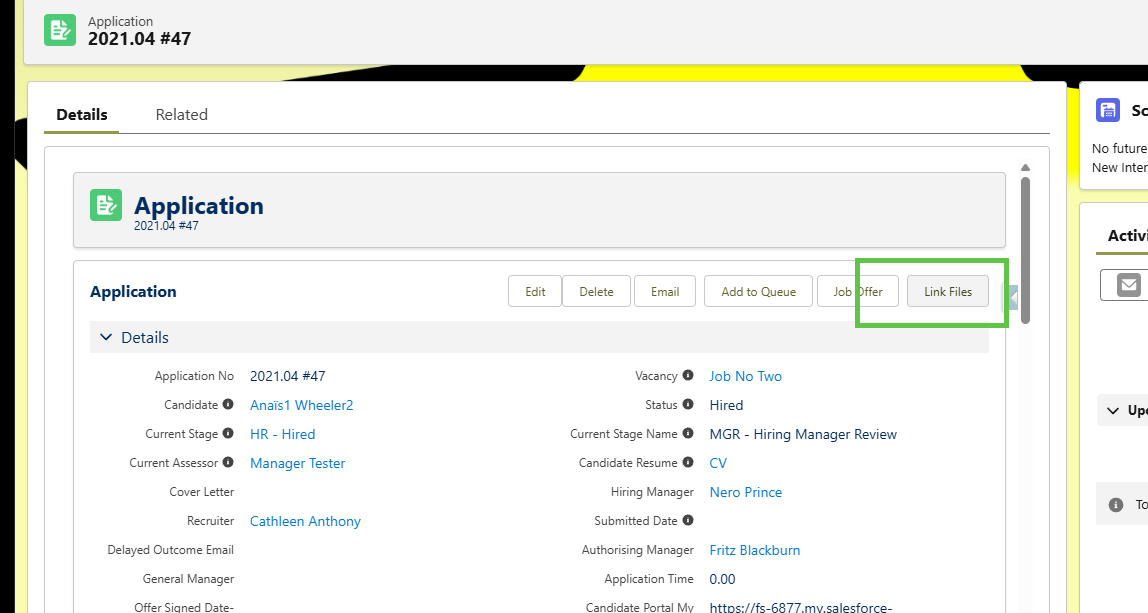
File carry over from Recruit
The Sage People Y25.2 release allows recruiters to transfer files attached to a candidate's application record to their team member record. These files can include resumes, certificates or right-to-work documentation.
When a candidate's successful application leads to creating a team member record, the system allows the transfer. The recruiter can choose to share each file with the Employment Record or Manager Notes.
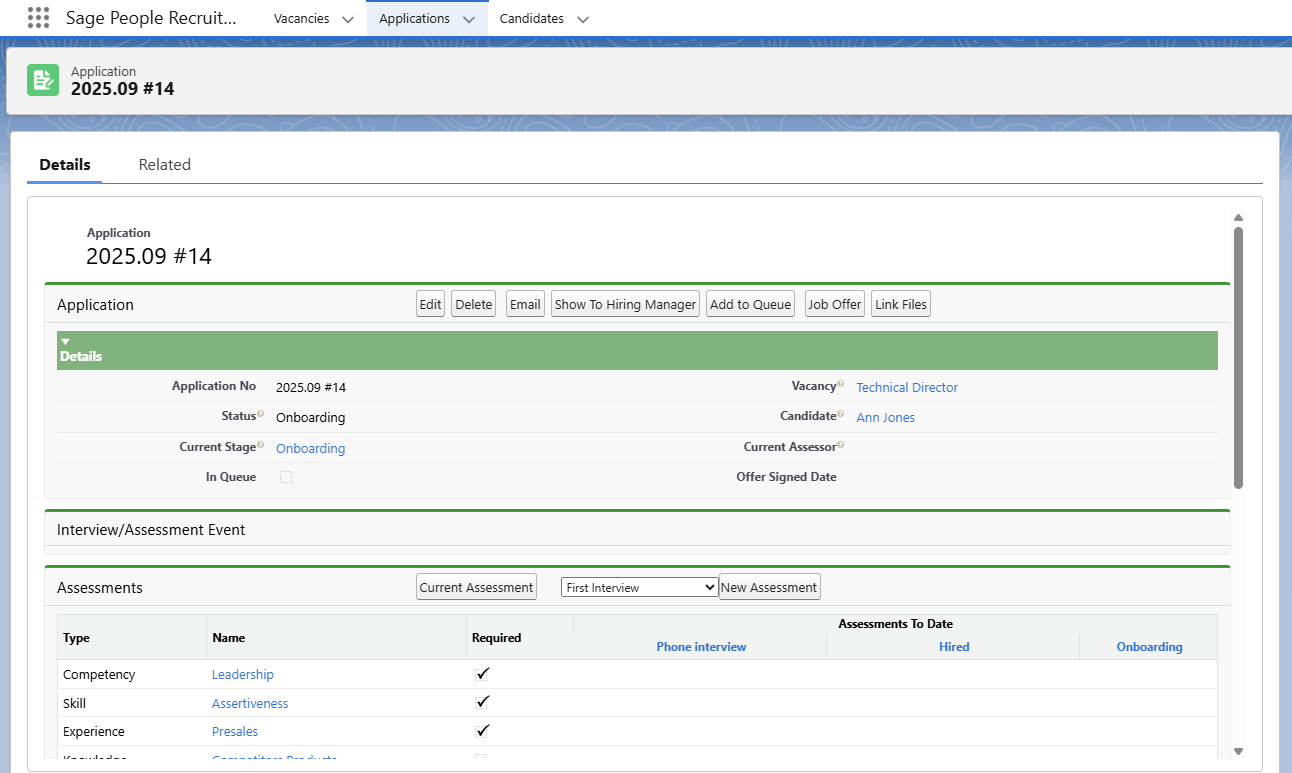
When the recruiter shares files to Manager Notes, they can choose if the note displays to team member, manager or both. The recruiter can also enter a comment for it.
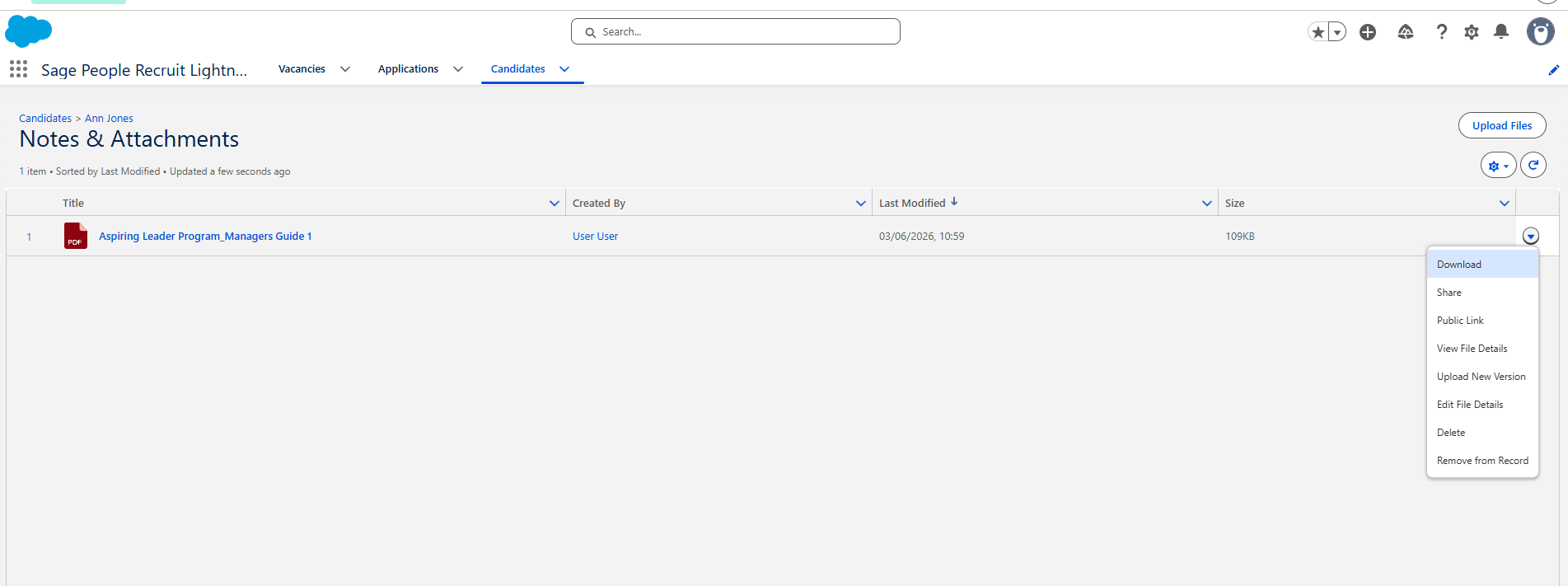
Using the Link File button from the application creates a link or reference to the original file on the Team Member record. This means the file only exists once in the system and deleting it from one place deletes it from everywhere. You can remove the reference to the file from either the candidate or team member record but still have it available in the other. To do this, go to the document via notes and attachments and use the actions menu to Remove from Record.