Enhanced Objectives - scoring update
Following customer feedback, the Sage People 25.2.2 release brings the ability to add or remove the scoring option in Enhanced Objectives.
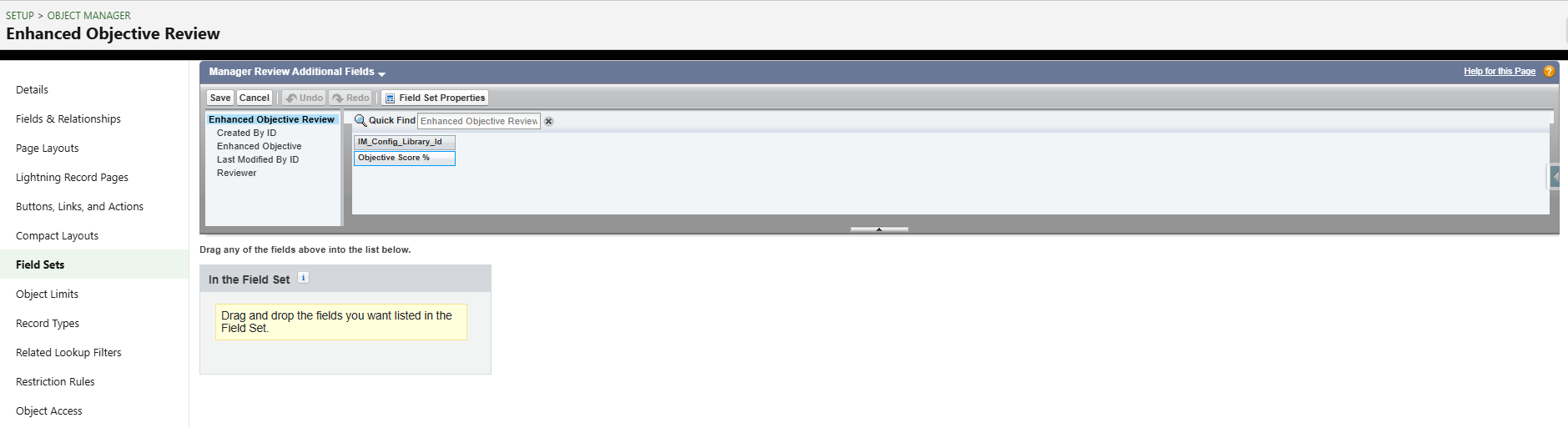
We’ve added a field set called Manager Review Additional Fields. You'll need to configure this to let managers see the score field on the Objectives form.
Configure Manager Review Additional Fields
-
Go to Object Manager.
-
Search for Enhanced Objectives Review.
-
Go to Fieldsets.
-
Select Manager Review Additional Fields.
-
Click to add Objective Score % Field.
-
Click Save.