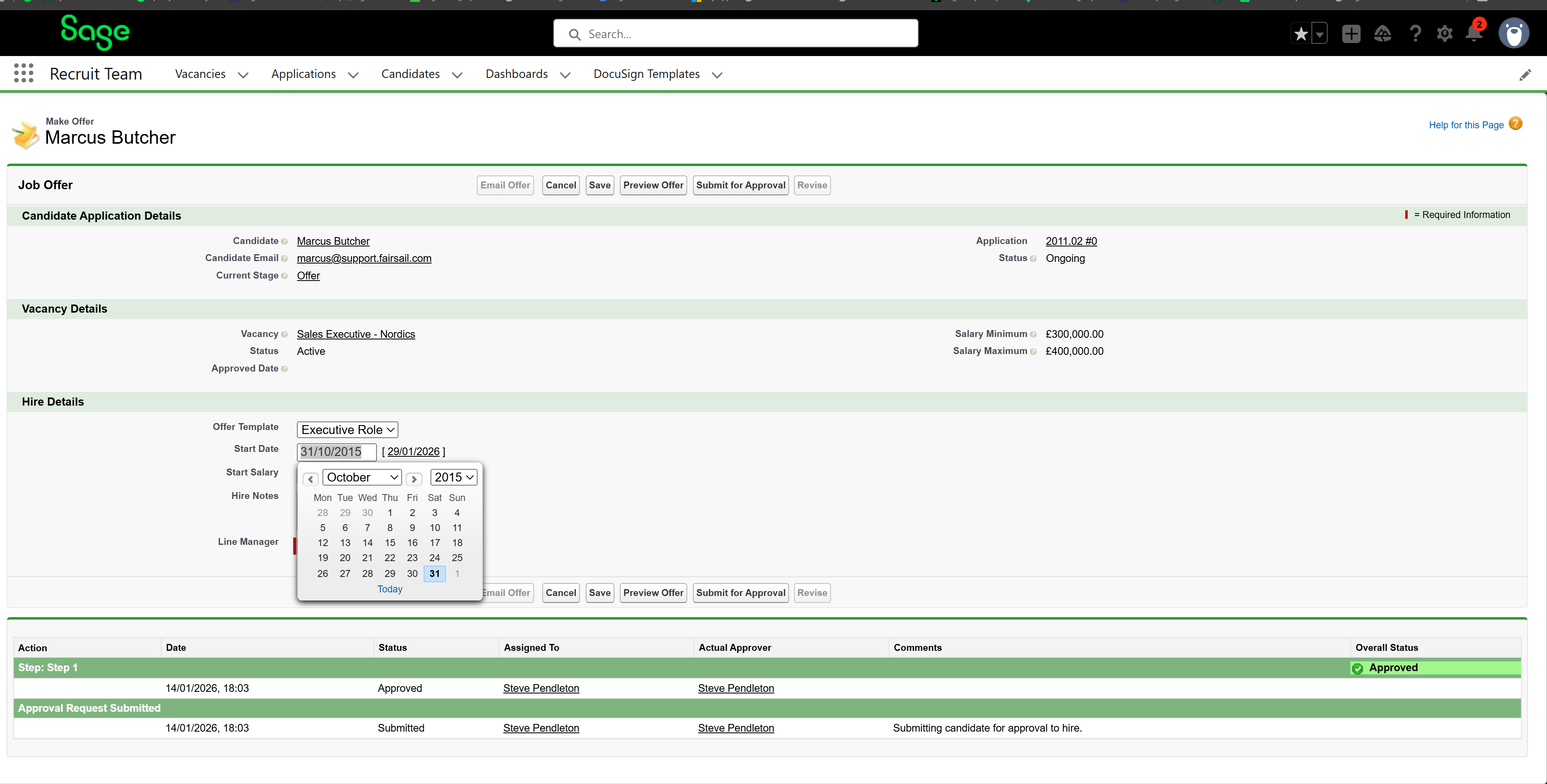
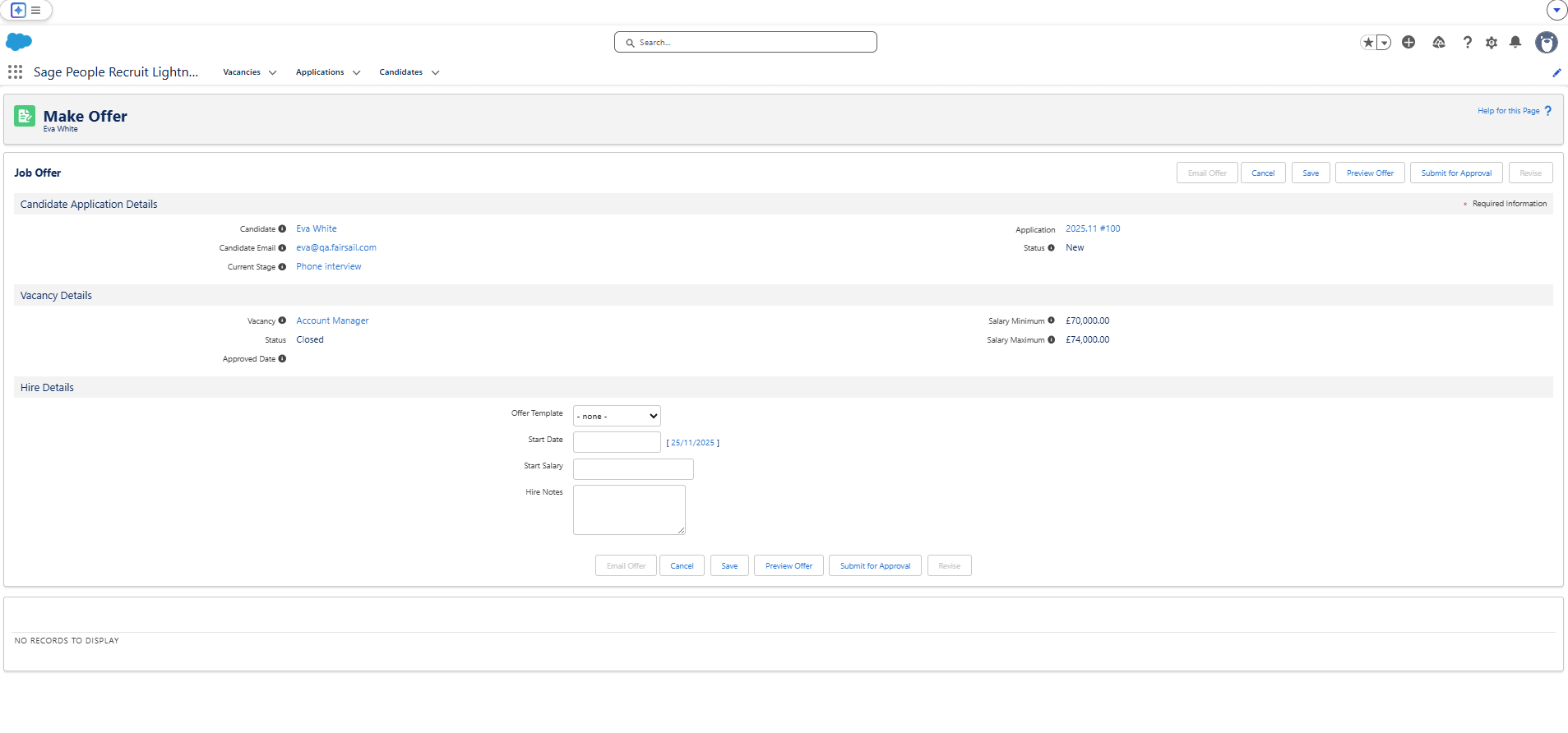
Recruit page visual improvements
We've added the choice to use Salesforce Lightning Design Styles (SLDS) on Visualforce pages in Sage People Recruit. This gives you the option to create a more engaging, modern UI. You can toggle this on or off.
Enable SLDS in VisualForce
-
Go to the Recruit configure page.
-
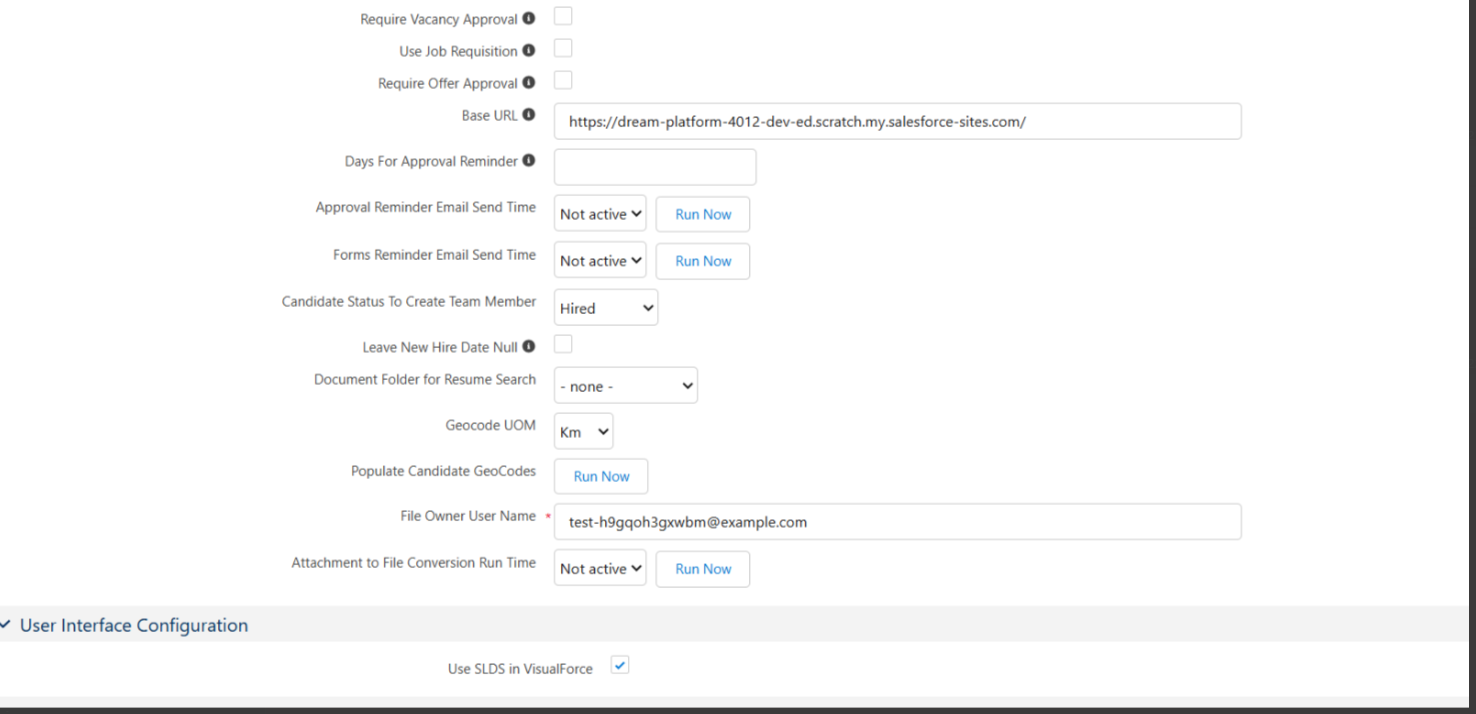
In the Overall tab, scroll to the Interface Configuration section.
-
Tick the Use SLDS in VisualForce box.
-
Click Save.
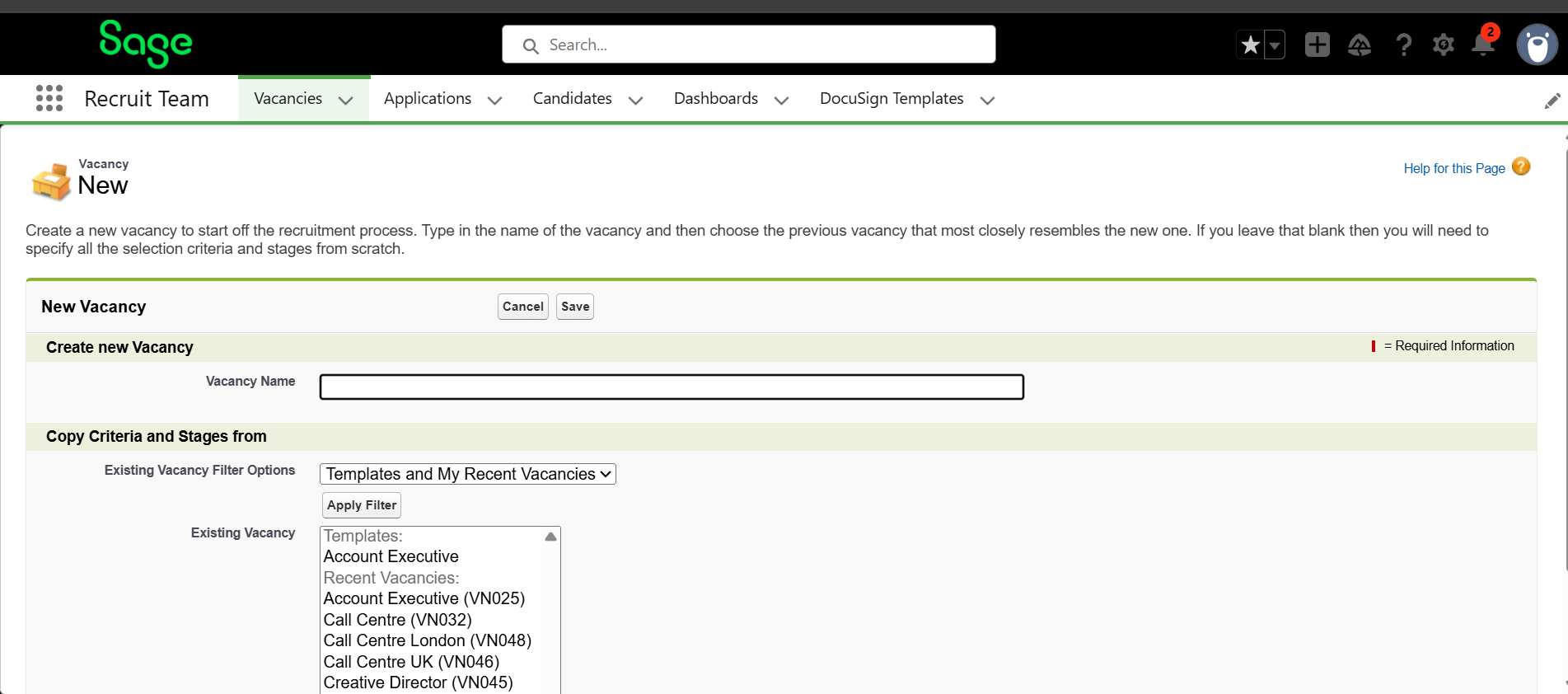
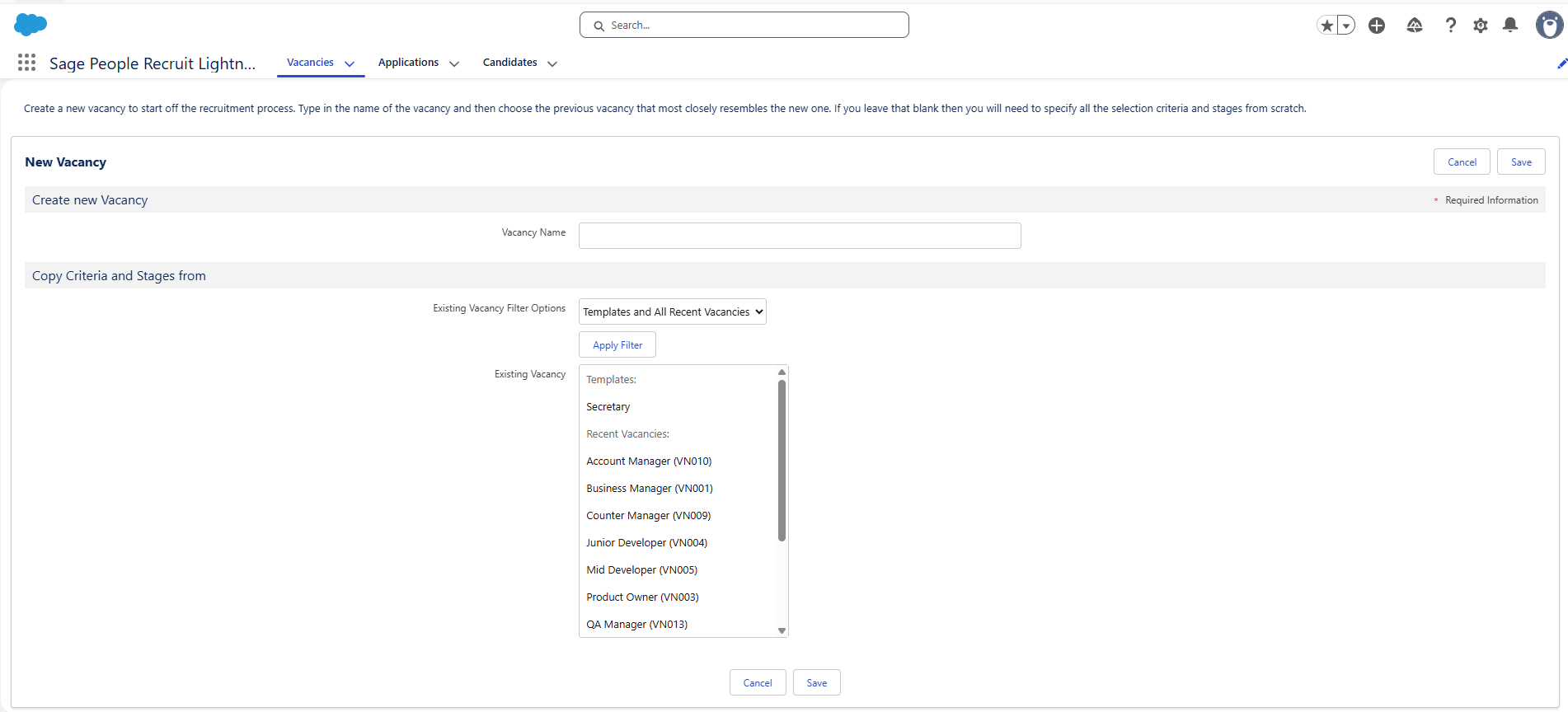
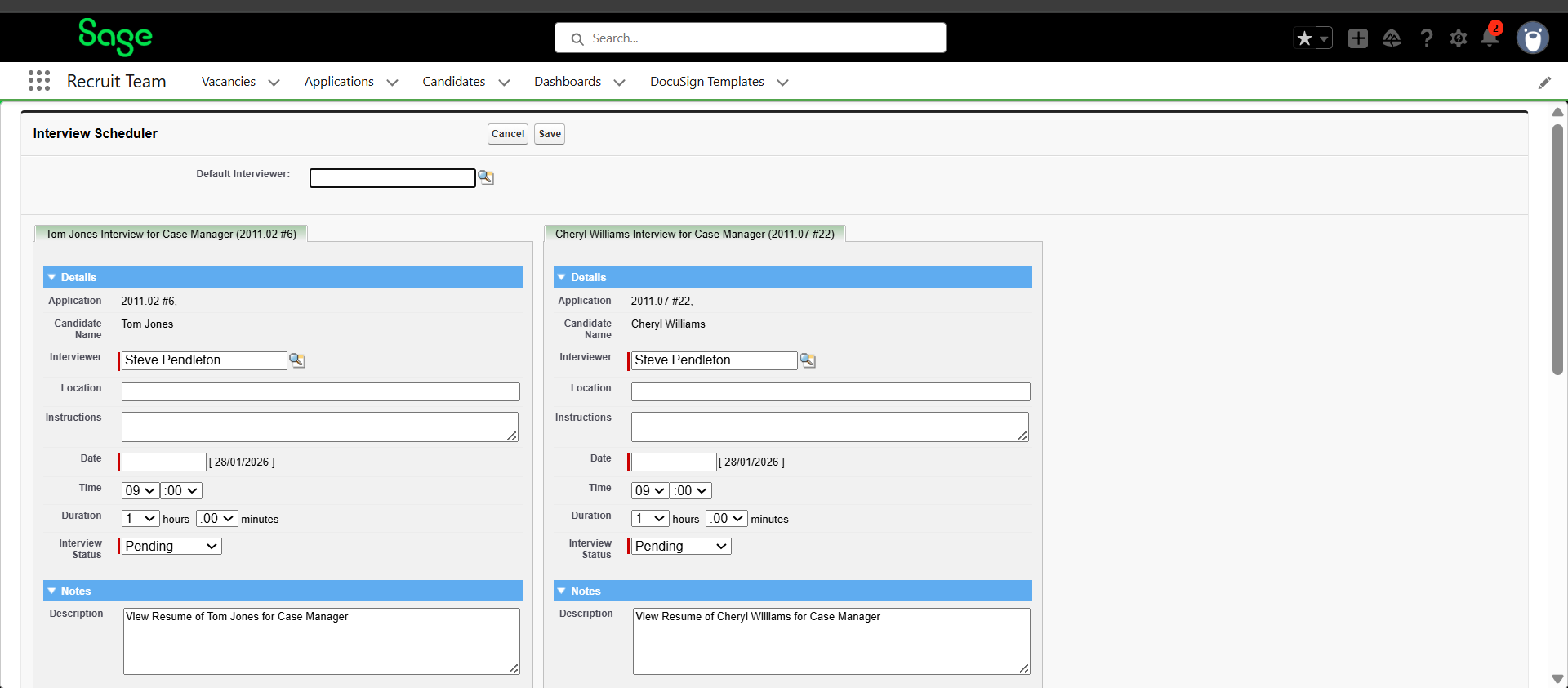
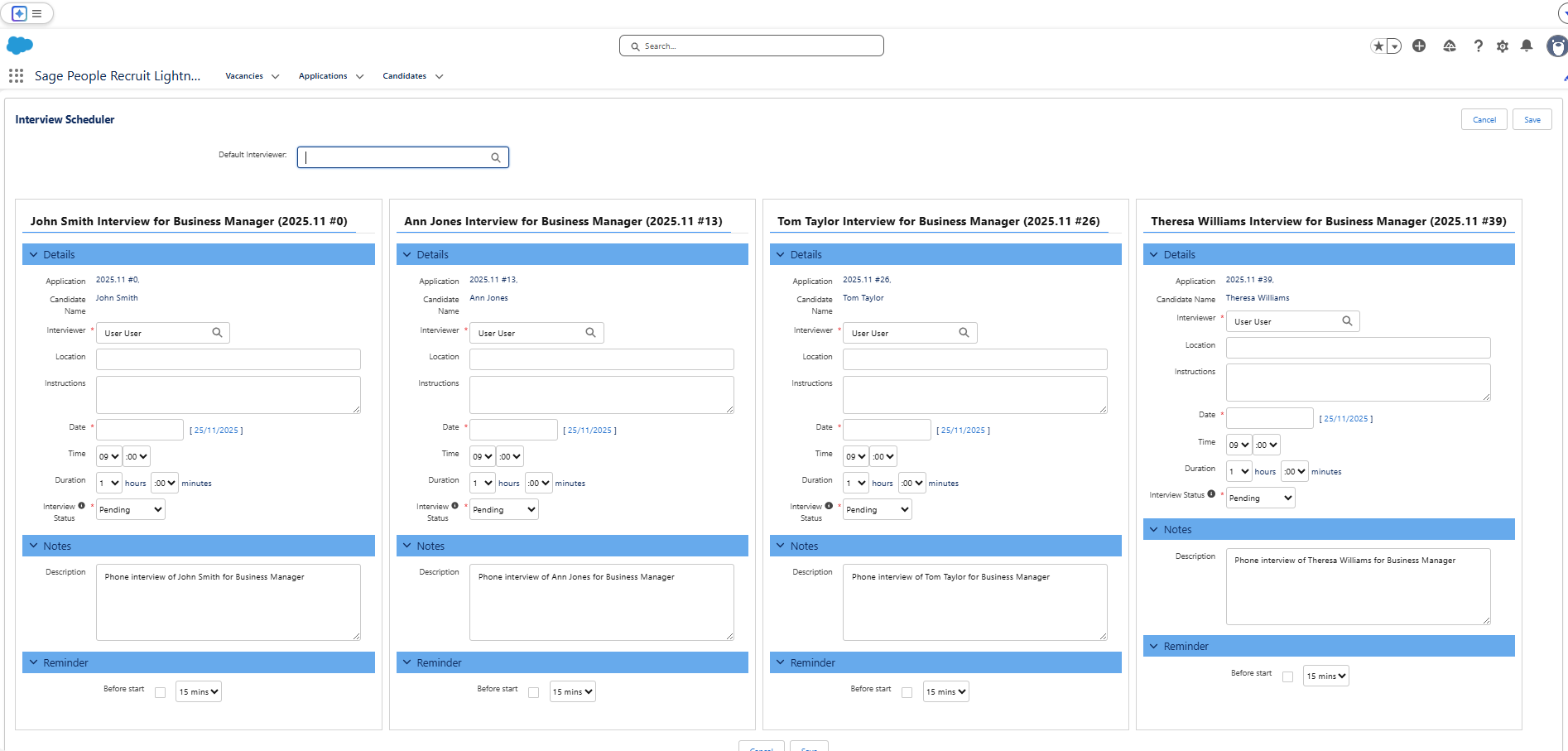
We've shown you some before and after examples below. These demonstrate the impact enabling SLDS can have on your UI.
New Vacancy screen
Interview Scheduler screen
Make Offer screen